- English version of the app: the language follows your system; change it in the account window or in View → “Język · Language”
- New objects in an English session get English names; existing projects stay as they are
- Server messages, emails and checkout in the app language; client preview in the client’s browser language
For production companies, agencies and event crews
Stage, LED screen and lighting design for events
You build the venue in 3D: a stage from decks, screens, trusses, lighting, sound and seating. The app keeps track of pixels, weights, power draw, cables and DMX addresses as you go, and your client opens the finished project in a browser.
7 days of the full Studio version, no card needed. macOS (Apple Silicon), Windows x64 and ARM64.

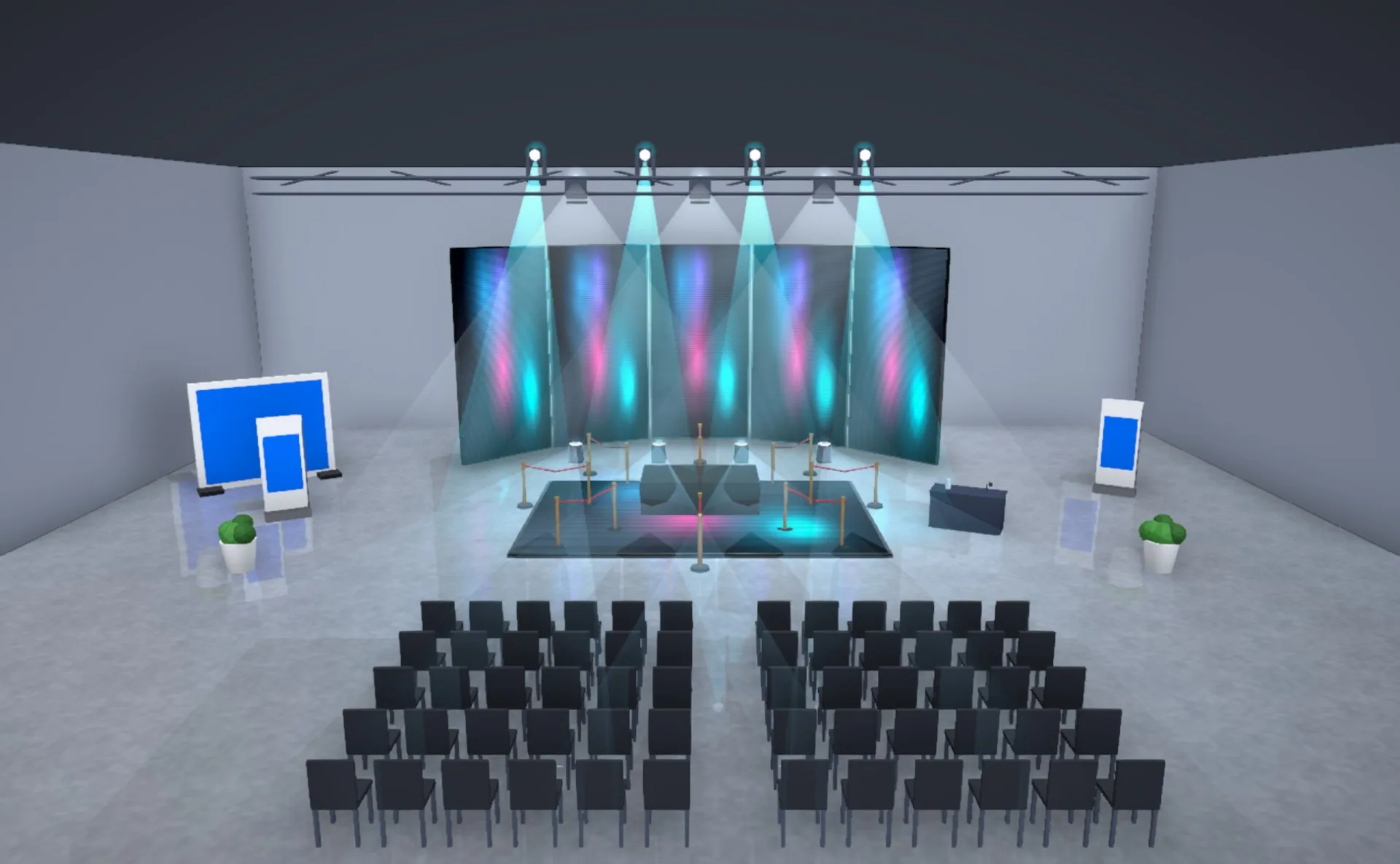
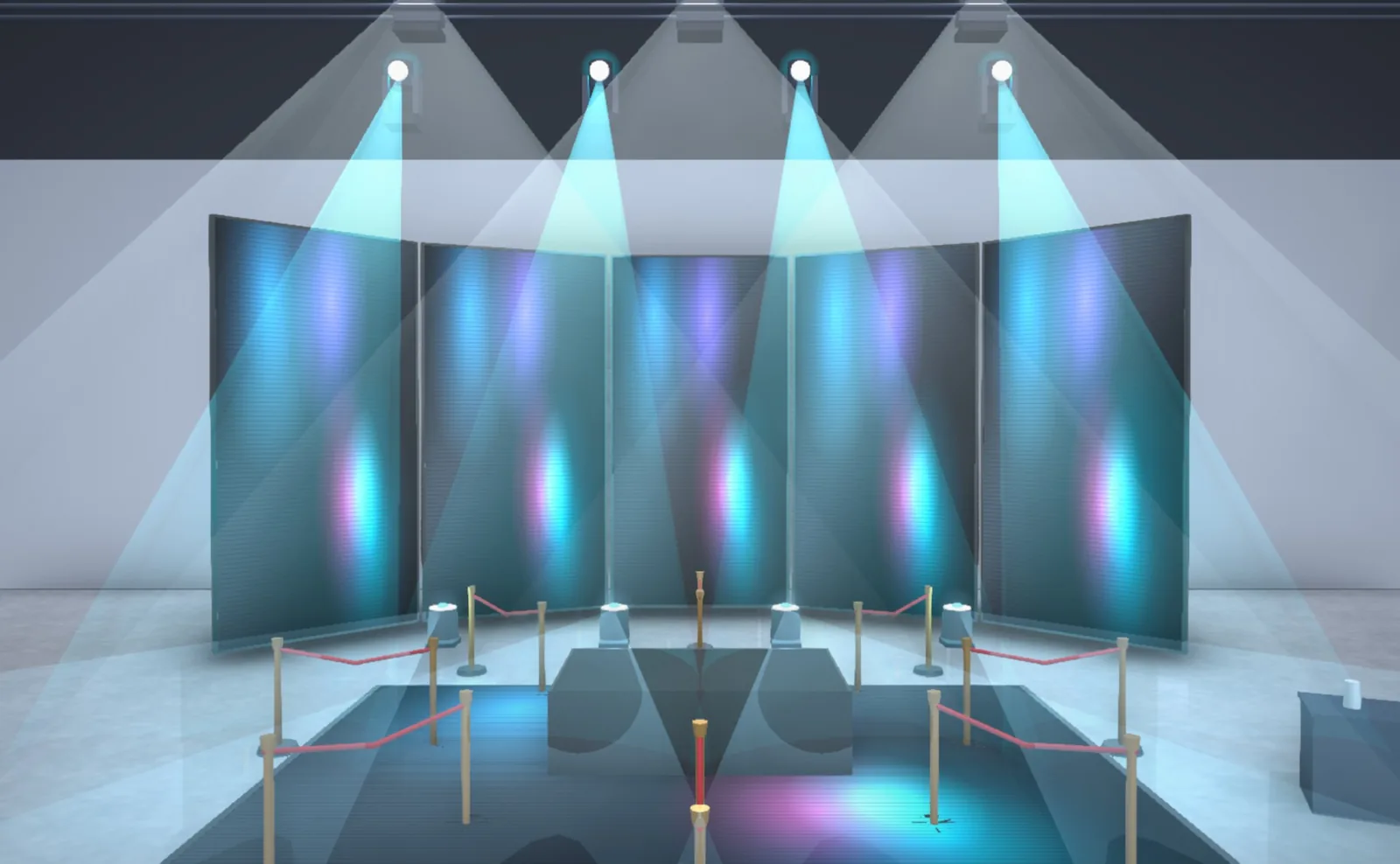
- 1Moving heads on the truss
- 2LED wall set in an arc
- 3Stage deck with stanchions
- 4Lectern
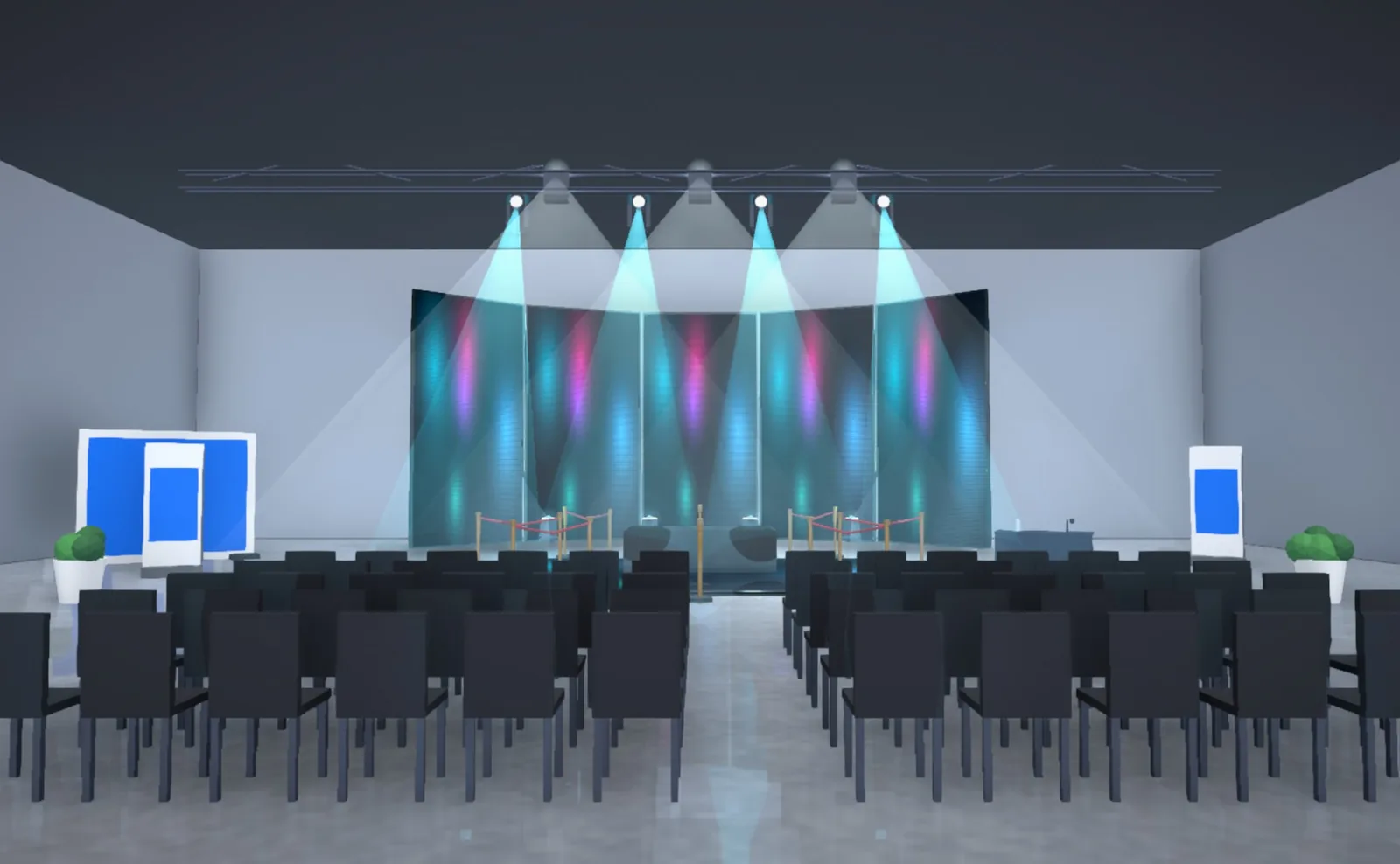
- 5Branding wall and roll-up banner
- 6Audience seating in two sections
Sample project: a product launch. Image straight from the StageDesigner engine, not retouched.
From an empty venue to a client link
Recordings from the tutorial that opens the first time you start the app.
What the app calculates while you design
Every device in the scene has a weight, a power draw and ports. Change the scene and the results update right away. You can correct any suggestion by hand.
Calculated values (loads, voltage drops, acoustics, DMX channels) are approximate and meant for concept work. Before the event, check them against the manufacturers' datasheets and with a qualified person.
Technical modules in detail
Screens showing what the show will show
Importing an Advanced Output preset (XML) rebuilds the screens and slices in the project. Through the REST API the app reads the composition live, and the output from Arena reaches the screens in the scene over NDI, Syphon or Spout.
How the integration works
Your client opens a link and looks around the venue
The link opens the project in a browser, with no account and nothing to install. Your client switches between saved camera views, walks around the venue, and in the Meta Quest browser sees the scene in VR.
StageDesigner in a VR headsetAI assistant
An MCP server connects your projects to Claude and Codex. You describe the event and the assistant sets up the stage, screens and seating. Each of its changes is a separate version you can roll back.
Teamwork
Projects live in your company cloud, in folders shared by everyone. Several people can work in the same scene at once.
Export
The scene goes to Blender with one button, and to DAE, GLB, OBJ, STL and USDZ for other 3D software.
What changed in the app
At startup the app shows a new version window with the list of changes and an “Update” button.
- Folders on the projects screen: shared by the whole company, created with the “New folder” button
- Drag a project card onto a folder, or select several cards and move them together. Every move can be undone with “Undo”, and the save date and version of the project stay the same
- Moving also works from the card menu (“Move to folder…”). A new project and a duplicate stay in the folder, and deleting a folder does not delete its projects: they go back to the main list
- First-run tutorial: six short animations show creating a project, adding and placing elements, the camera and views, the venue layout plan, a presentation with a client link and working with the AI assistant. You can return to it from Help → Tutorial…
- The client preview in the browser runs more smoothly: fixtures start switched off and the “Lights” button turns them on. When you move between views or orbit with the mouse, the fixtures dim gently and come back on when the camera stops
- Client preview: the Draft / Standard / Photo switch changes the image quality (before, it was always Photo)
Plans
Net prices, billed monthly.
Full stage design for a freelancer. Start with 7 days of Studio for free.
The complete toolset for a production studio.
For companies with many seats.
Common questions
No. Resolume is an optional integration. Designing stages, screens, lighting and trusses works on its own. If you have Arena 7+, you connect through the REST API and sync columns, layers and slices from Advanced Output.
Try it for 7 days
The full Studio version, no card needed. After a week you pick a plan or stop using it; nothing is charged automatically.
StageDesigner is made by APPIFI sp. z o.o. in Łódź, Poland. Questions and reports: pomoc@stagedesigner.pl